
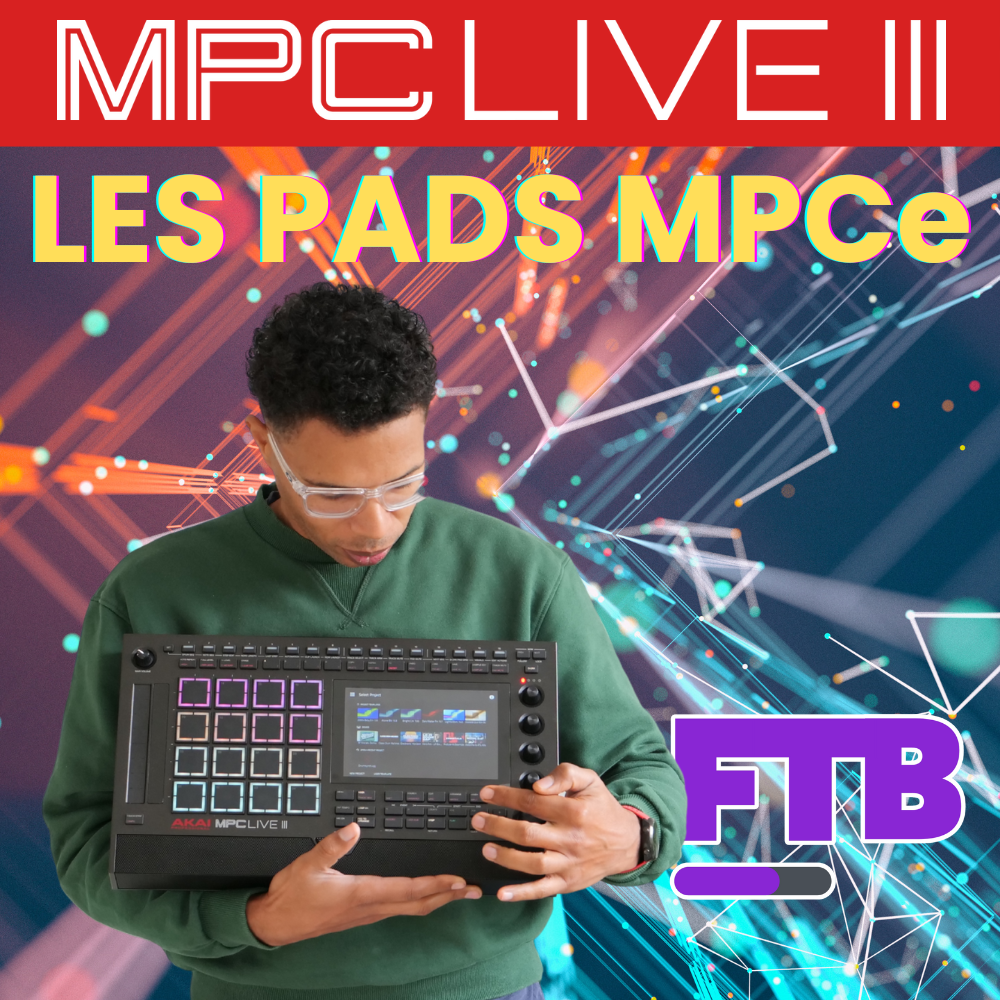
Article from the video series about the MPC Live 3. In part 1, we covered the unboxing, the basic setup and the track capabilities. Here, we explore the new MPCe pads and what they actually change in playing and programming.
The MPCe pads: what’s changing?
Each pad is now “gridded” into four zones (the four corners) and senses three dimensions: X (left↔right), Y (top↔bottom) and pressure. So the MPC can react differently depending on where you press and how you slide, which opens the door to articulations, crossfades between layers and real-time modulations… without leaving the pads.
Note: after the update, the project’s default kit becomes “Trap Kit MPCe Default FM”, to take you straight to a set of pads prepared for these functions.
Three practical examples to understand
1) The 808 “glide” pad (X → pitch)
On an 808 bass pad, sliding your finger horizontally changes the sample’s tuning. The Mode Matrix maps the Pad X source to the Layer 1 Tune destination (from 0 to 48 “steps”, so 4 octaves), hence this glide effect, very handy for fast trap lines. One thing to watch: melodic precision stays limited if you’re aiming for exact notes with your finger.
Tip: to be more in tune, reduce the modulation range (min/max) in the Mode Matrix to restrict the amplitude and aim for a shorter scale.
2) The snare and Articulations (corners → rhythmic playing)
Some pads use the Articulation page: each corner triggers a playing variation (e.g. 1/16 roll, chromatic buzz roll, dotted 1/16…). It’s an instant way to humanize without automation: same sample, but different phrasing depending on the zone you hit.
Where to look: Pad > Edit > Effects > Articulation, then try each corner to hear the associated nuance.
3) Layers and Crossfade (X/Y → crossfade between layers)
Another common setup: a single pad holds 4 layers of the same sample tuned differently. In Global, the Layer Play = Crossfade parameter spreads the corners across layers 1 to 4. In the Mode Matrix, Pad X drives Crossfade X (fade between L1↔L2) and Pad Y drives Crossfade Y (fade between L1↔L3). Result: you sculpt the tone by sliding on the pad, with very natural transitions.
“Center / edge” variant: a special source, Pad X·Y Distance, can activate Layer 1 when you hit the center, and reverse the logic to play Layer 2 as soon as you move out towards the edge. Perfect for imitating, for example, a rimshot on the edges and a hit in the center.
Recreate these ideas at home (quick path)
- Identify the zone:
Pad > Edit. - Articulation:
Effects > Articulation, then assign a style to each corner. - Layers:
Samples > Layersadds 2 to 4 layers (same sample, different tunings). - Global: set Layer Play to Crossfade (or Velocity depending on the result you want).
- Matrix Mode:
- Map Pad X → Tune (glide) or Pad X/Y → Crossfade X/Y (crossfade).
- Advanced option: Pad X·Y Distance → Layer Level (center/edge).
Good practices and limits to know
- Pitch accuracy: reduce the modulation range or combine it with a Scale in your workflow to hit the right notes.
- Kit readability: name your pads clearly (“808 Glide X”, “Snare Artic 1/16”, etc.) so you can find your way around live.
- Take it step by step: start with 1 or 2 mappings per pad, then build up. Too many modulations kill the musicality.
What’s next in the series?
We’ll continue with the control buttons and integrating the MPCe pads into a smooth arrangement. The idea stays the same as in part 1: stay concrete, make the most of the new features without losing simplicity, and build kits you can play right away.
Key takeaways
- The MPCe pads add playing dimensions (X, Y, pressure) you can use without leaving the pad surface.
- Articulations per corner = instant playing variations. Crossfade X/Y = fading between layers to “morph” a sound.
- The Mode Matrix is the nerve center: it’s what links position/pressure to sound parameters.
Leave a Reply