
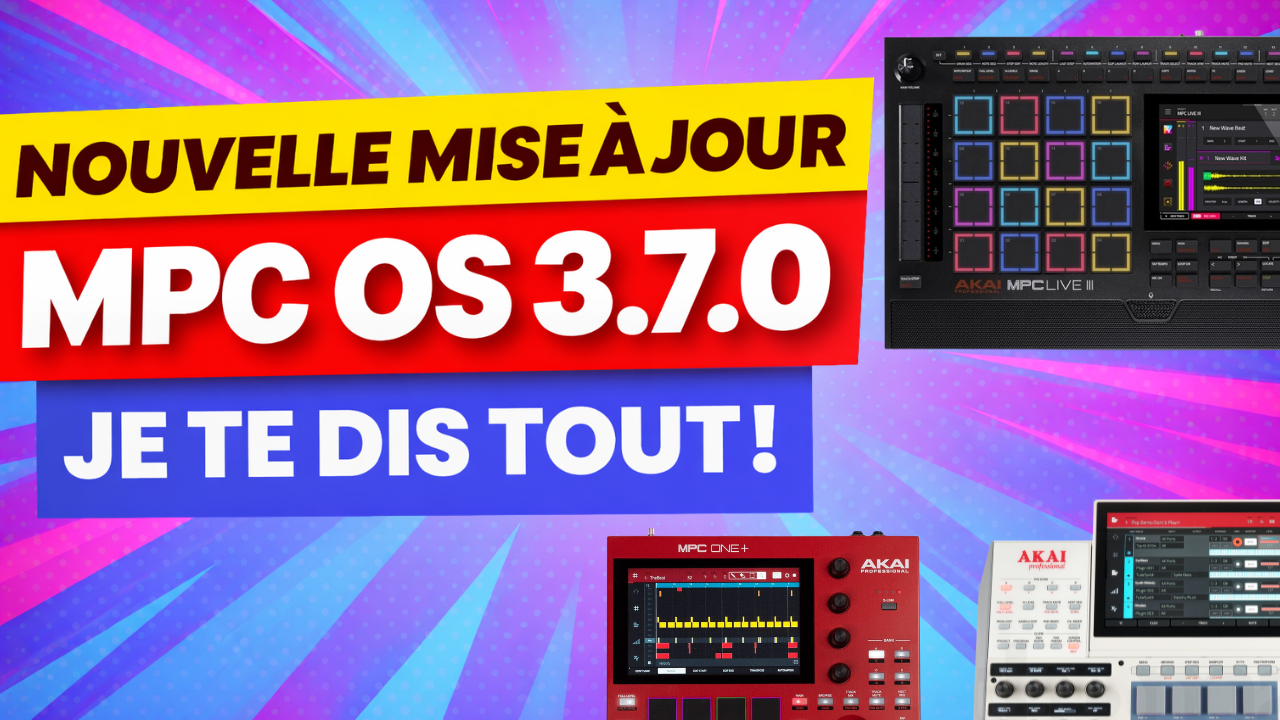
The MPC OS 3.7 update is finally available! It coincides with the release of the MPC XL and brings its share of new features for first generation and second generation MPCs. In this article, I’ll walk you through everything you need to know.
New features for all MPCs
Copying clips to the arrangement
This feature is available for second generation MPCs and for first generation MPCs with the MPC Pack Pro. The Pack Pro gives access to Matrix mode, inherited from the Force, which lets you create clips and launch them on demand for live performances.
You can now copy a clip straight to the arrangement. Just select your clip, copy it, then paste it into the arrangement. The events recorded in the clip then show up in your timeline. A real time saver to go from clip mode to arrangement mode.
Improved Nudge with note wrapping
The behavior when shifting notes in the virtual step sequencer has been improved. When you shift notes with the Nudge function, notes that spill outside the sequence are no longer lost. They reappear at the start or end of the sequence, depending on which way they overflowed.
In practice, shifting now loops around inside the sequence. An event can go from bar 1 to bar 2, then come back to bar 1. No more lost notes when you shift too far.
Automatic TC Swing
When you enter notes with the step sequencer, they now automatically take the configured Timing Correct setting into account. This applies to the virtual step sequencer (touchscreen), to the physical step sequencer buttons and also to the step sequencer on the Force pads.
Note: during my tests on the beta version, I found a bug with the touchscreen where the events created weren’t played. With the physical step sequencer buttons, on the other hand, everything works properly. Maybe this bug will be fixed in the final version.
Partial Pad Presets
A new library of partial presets appears for Drum Track pads. These presets are designed to speed up sound design and experimentation.
You’ll find this feature in the Drum Kit edit, Samples tab, at the top with the Partial Preset field. A list of ready-to-use configurations is available: Rise Full, Effo Stutter, Chromatic Tape, Drop Long, and many more. Each preset changes the pitch, attack, decay and other parameters. It’s one preset per pad, which lets you quickly experiment with different sound textures.
Improved Q-Link display
The Q-Link OLED screens, available on the MPC X, XL and Force, get an improved display. When you touch a Q-Link, the parameter name disappears temporarily and the value gets bigger on the screen. When you let go, the display goes back to normal with the name and the value.
It’s simple, it’s effective. The OLED screens really add something in terms of precision and intuitiveness.
Redesigned Activations interface
The activations interface in the preferences has been improved. You can now filter your list of activations by type: all plugins, instruments only, effects only, or features (like the Pack Pro).
This faster navigation makes it easier to manage your plugins and licenses.
Modulation Matrix → Slice
You can now use the modulation matrix to modulate the slice number of a sample on Drum and Keygroup tracks. It’s a feature I’d call advanced.
To use it, you first need to create slices on a sample (for example with Chop mode, slicing by BPM). Then, in the modulation matrix, you select “MIDI Velocity” as the source and “Layer 1 Slice Index” as the target. Result: when you play the pad with a different pressure, a different slice is triggered. A soft hit plays the first slices, a hard hit plays the last ones.
It opens up interesting creative possibilities for sound design and live performance.
MPC Live III exclusive features
Quadrant → Layer mapping
You can now control which quadrant of an MPCe pad triggers which layer of a Drum Pad. In the Drum Kit edit, Samples tab then Tune/Mix, a new MPCe column lets you set the quadrants that match each layer.
For example, you can assign 4 different slices to the 4 layers of a pad, then assign each layer to a different quadrant. Result: each corner of the pad plays a different sound. Perfect for expressive finger drumming.
Extended Note Length
The behavior for setting note length in physical step sequencer mode has been improved. You can now extend notes beyond the current bank of 16 steps.
Before (version 3.6), if you held button 1, pressed 16 to extend the note, then moved to the next bar with Next while still holding button 1, it created two separate events.
Now (version 3.7), the same move extends the original event instead of creating a second note. That’s much more consistent.
Solo in the Step Sequencer
You can now solo tracks or pads directly from the Track Mute or Pad Mute mode of the physical step sequencer. Just hold Shift and press the matching button. Soloed tracks or pads flash light blue.
A quick, handy shortcut to isolate an element without leaving the step sequencer.
Touch Strip Strum mode
The Touch Strip gets a new mode: Strum. It lets you play the notes of a chord as an arpeggio by sliding along the strip.
To turn it on, hold the Touch Strip button and select the Note Strum mode. Then hold a pad (for example in Chords mode) and slide along the Touch Strip. The notes of the chord trigger in a cascade, like an arpeggio.
The difference with a classic arpeggiator is that you control the timing and speed with your finger. You can even use it with a single note.
Q-Links in Step Sequencer mode
The Q-Links now let you create and adjust events directly in the step sequencer, from any screen. It works in Drum Seq mode.
Each Q-Link matches a step. Turn the Q-Link up, it creates an event and raises its velocity. Turn it down, it lowers the velocity or deletes the event if you go down to zero.
Note: this feature already existed on first generation MPCs, but only when you were on the step sequencer page. Now on the Live III, you can do it from anywhere.
Mic + speaker at the same time
On the Live III, you can now turn on the built-in mic and speaker at the same time. I haven’t tested this feature, but if you try it, feel free to share your feedback in the comments.
Conclusion
This 3.7 update coincides with the release of the MPC XL. By the way, I went to see the beast at Woodbrass and honestly, it hits hard.
But what I like about Akai is that new features aren’t reserved for new machines. Whether you’re on an MPC X, Live, One or Live III, this update brings you real improvements: copying the arrangement to clips, the improved nudge, the Partial Pad Presets, slice modulation…
It adds value to the machines we already have. And that’s something I really appreciate.
For now, I’m not taking the plunge and buying the MPC XL. I have way too many machines. But I know myself, I could crack any day now.
Warning: a new update can bring instability. Test it thoroughly before using it live. You can always downgrade if you notice problems.
And you, which feature can’t you wait to try?
Leave a Reply