
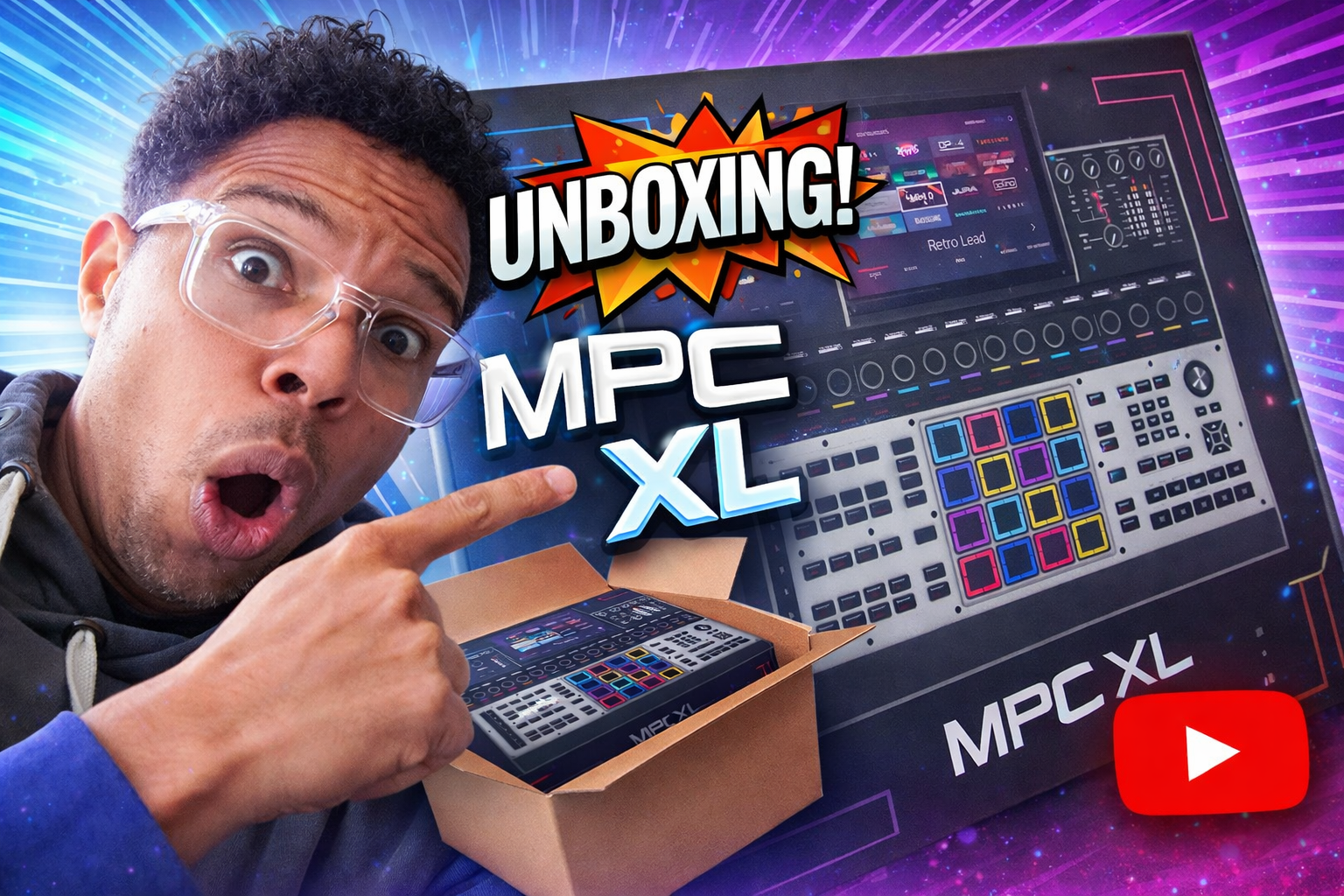
Yes, I caved. The MPC XL came out two weeks ago and I couldn’t hold out. And yet I always said it: at that price, it’s a real investment. But there you go, I was tired of watching all those Americans having a blast with their XL on YouTube, so I found the arguments to justify it and placed my order.
In this article, I give you the full tour of the beast: unboxing, first impressions, USB Audio, step sequencer, Touch FX… and I also tell you about a project I’ve just launched for those who’d like to get one without breaking the bank.
The unboxing
First of all, the box is beautiful. You can tell it’s serious. Inside, no big surprise: you get the 9V power supply (the same as on the other MPCs), a USB-C cable with its little screw to lock it to the machine like on the Live 3, a cloth to clean the screen, a cover for the contacts, and a quick start guide. And good news: the guide is in French, I think that’s a first for Akai!
There are also screws to install a hard drive if you want to expand the storage, but personally I’m not planning to add one for now.
Taking the machine out of its box is always a pleasure. It’s beautiful, with sharp, well-defined angles, more pronounced than on the MPC X. It looks serious.
Comparison with the MPC X
I put the XL right next to my MPC X to compare. And honestly? The size difference is minimal. We’re talking a few centimeters in width and barely 2 cm on the side. If you already have room for an MPC X on your desk, the XL will fit without a problem.
By the way, quick note: I’m selling my MPC X, it’s like new. I talk about it at the end of the article.
First power-on
You press the button, it blows a bit of air like the Live 3, and then… the screen. Honestly, it’s sharper and brighter than the Live 3’s. The resolution is 1280 × 800, and apparently the screen is optically bonded, which means there’s no air between the layers. The result: fewer reflections and better contrast. And in use, you can tell.
The MPC OS 3 logo appears, the buttons light up… it’s classy. Really classy.
The included software
When you register your MPC XL and launch the Software Center for the first time, you discover everything that’s included. And there’s a lot:
MPC Software 3 in beta, the drivers, and the complete Fabric Collection with OPX4, Organ, Stage Piano, Stage EP and Studio Strings. For expansions, it’s generous: Classic Drum Machines, Lofi Boom Bap, Apollo Retro Drum Kits, Percussion Tools, Electronic Horizon, and more.
As a bonus, you also get Analog Dreams and Lone Forest from AIR Instruments. I had already bought Analog Dreams, which is a bit of a shame… but oh well. To activate them, just go to Navigate > Preferences > Activation, and they download straight onto the machine.
Everything you install on the computer automatically shows up on the MPC, it’s well done.
USB Audio: your MPC becomes your interface
This is a feature I promised to explain ever since the Live 3 came out, and I’m finally getting to it, but with the MPC XL.
The principle is simple: you connect the MPC XL over USB-C to your Mac, select it as the audio output in the system settings, and boom: your computer’s sound comes straight out of the speakers connected to the MPC.
On the MPC side, you create an audio track, select USB Input 1,2 as the source, turn on monitoring, and you can listen to (and record) everything coming out of your Mac. I tested it with my video editing software, and the signal comes in perfectly.
And it works both ways: you can also send specific tracks from the MPC to your Mac through the virtual USB outputs to route them into a DAW. It’s super powerful for hybrid work, and it’s the same principle as on the Live 3.
A tour of the machine
I grabbed the camera handheld to give you the tour, it’s nicer for seeing the details.
The monitoring section (right of the screen)
This is solid. You get the Main Level, input gains for the 4 inputs, switches to toggle between the front and rear inputs, a knob to balance the mix between what comes into and what goes out of the MPC, and above all a mono/stereo switch. That’s a real plus for mixing: checking your mix in mono is good practice, and here it’s right at your fingertips, click.
There’s also a USB Select button to choose the virtual inputs, and a Pre/Post button that should let you see the audio level before or after the main fader (but I’m not 100% sure, if anyone knows, drop a comment!).
The mixer (left of the screen)
Physical buttons give direct access to Tracks, Outputs, Returns and Submix. You can move between tracks with Track+/Track-, and the active channel strip gives you instant access: arm, effects, mute, solo, and a gain knob. Honestly, it’s super handy and saves a ton of time.
The hardware step sequencer: the big one
This is THE big new feature of the XL, and clearly what justifies the price difference. You get 16 dedicated step buttons paired with 16 rotary encoders (the Q-Links) right above them.
The principle: you press the buttons to turn on steps (they light up red), and you turn the encoders to set the velocity of each step. A “Next” button takes you to the next bar. You can program in real time during playback, one hand on the buttons, the other on the encoders. It’s smooth, it’s intuitive, and honestly it changes everything for programming drum patterns.
But the step sequencer doesn’t stop there. By holding the dedicated button, you get to other modes: Clip Launch to launch clips, Row Launch to launch rows, Track Select, Note Length… The possibilities are really wide.
I loaded an expansion with XTD kits (tracks that include clips) and I was able to launch clips directly from the step sequencer buttons. It was the first time I tried it and it works like a charm.
The Touch Strip and Touch FX
The Touch Strip is the vertical touch strip to the left of the Q-Links. You slide your finger along it and it controls a parameter in real time.
By default, it’s in Touch FX mode: when you slide your finger, an effect is automatically inserted on the main output. The presets include Band Pass, Bit Repeat, Reverse, and quite a few others. It’s great for live and for experimenting.
The Touch FX button, which is exclusive to the MPC XL, gives you access to all the presets and lets you switch them on the fly. I tried Band Pass as a filter, then Reverse… you get the idea fast, it’s addictive.
And the Touch Strip has lots of other modes you can reach by holding the button: Q-Links, Pad Level, Track Level, Note, Note Strum, Pitch Bend, Mod Wheel, Sustain, Expression, Crossfader… or even off if you prefer.
The rest of the machine
A few random things worth mentioning:
The numeric keypad to the right of the pads, super useful combined with the locators to move quickly around an arrangement. You’ll find the classic buttons of the MPC range: Full Level, 16 Level, Note Repeat, Erase, Shift, Copy, Read/Write, Undo… no surprise, but it’s reassuring to find them again.
For connections, there’s something new: a USB port and an SD card slot on the front, in addition to the two USB ports on the back. Handy for plugging in a USB stick without reaching around the back of the machine. Also on the front: two instrument inputs with a mixer, two headphone outputs, and footswitch inputs.
My verdict after a few hours
What do I take away? This machine is a real computer disguised as an MPC. Its 8-core processor and 2 GB of storage make it a standalone workstation. The screen is the best Akai has ever put on an MPC. The hardware step sequencer changes the way you program. USB Audio opens the door to powerful hybrid setups.
And this year, my goal is simple: compose, compose and compose. I love using my Roland 88-key master keyboard with heavy keys, and the MPC XL is going to help me be more productive. There are still features I haven’t explored that surely won’t make me regret this purchase.
By the way, my next course will be about Arrange mode, which is an extremely powerful tool. It’s coming soon, stay tuned.
Want an MPC XL? I may have a solution
Let’s be honest: the MPC XL is expensive. Very expensive. The Live 3 too, for that matter, at its own price. So if you have gear gathering dust at home, now’s the time to talk about it.
I launched French The Market, a marketplace for musicians to sell and buy gear safely. Not just MPCs: guitars, keyboards, drums, synths, everything goes.
Why did I do this? Because on Le Bon Coin, you end up with hagglers offering you ridiculous prices (often resellers looking to make a margin). And on Audiofanzine, which is a great community, the secure payment system isn’t working at the moment.
On French The Market, it works simply: you create your listing, the buyer pays through Stripe, and the money is held until the buyer confirms receipt. If the package doesn’t arrive, they get their money back. Seller protected, buyer protected, no hassle. There’s a 5% commission per sale to keep the platform running.
I’ll make a dedicated video to show how it all works. In the meantime, the link is right here: frenchthemarket.com.
Leave a Reply