
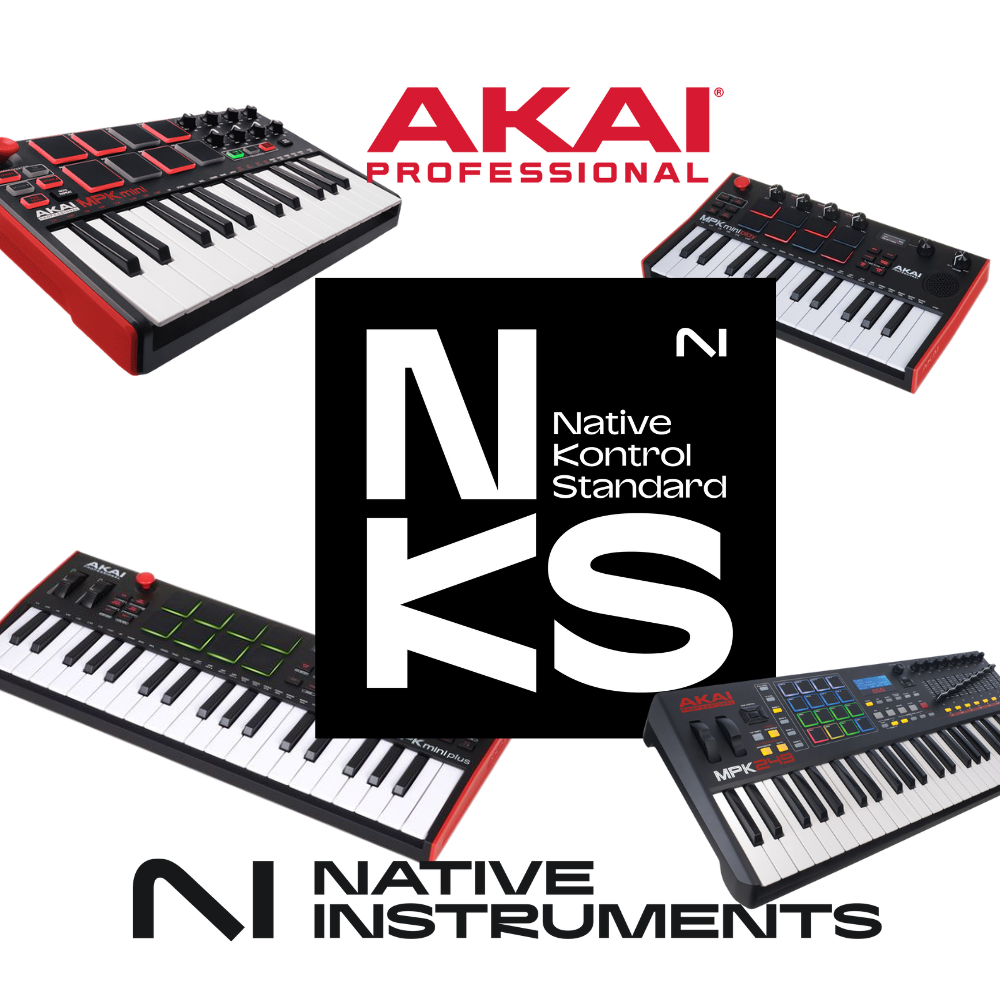
At NAMM 2025, Native Instruments announced the expansion of its Native Control Standard (NKS) Hardware Partner program, bringing in several big names in the music industry such as Akai Professional, Novation, Nektar, Korg and M-Audio. Among these collaborations, the one between Akai Professional and Native Instruments particularly caught my attention.
The announcement promised advanced NKS integration on MPK keyboards and a bundle including Komplete Select 15. As an Akai hardware user, I found this news exciting, but after digging into it, I discovered a much less thrilling reality.
A real collaboration for MPC users
Before getting to the MPKs, it’s important to point out that this collaboration did bring something genuinely useful to MPC users. The MPC Edition Play Series offer five instruments combining high-quality presets, enriching the musical experience of beatmakers on MPC. These additions are really interesting and breathe new life into the Akai platform for its users.
But for MPK keyboards, it’s a very different story.
NKS integration on MPK? Not really…
When you look at the facts, you realize that MPK keyboards don’t get full NKS integration, but rather a simple improved MIDI mapping. To understand it better, you have to split the MPK range into two categories:
- MPK 200 and Mini MK3
- Browsing NKS plugin presets.
- Switching plugin slots.
- Browsing parameter pages.
- 8 knobs to control assigned parameters.
- No screen on the MPK to display plugin parameters.
- No access to Komplete Kontrol’s Smart Play Features.
- You have to open Komplete Kontrol on the computer to see what you’re doing.
- MPK Mini Plus and MPK Mini Play
- Only 8 parameters assignable to the knobs.
- No browsing between presets or plugin slots.
- No switching of parameter pages.
- You have to use the mouse to browse sounds and plugins.
So we’re far from what a real NKS Ready keyboard offers, like Native Instruments’ Komplete Kontrol range.
A marketing stunt around NKS?
With this announcement, Native Instruments and Akai pushed an attractive selling point: Komplete Select 15 bundled with the MPKs. On paper, it looks generous:
- 11 instruments and effects.
- Undeniable sound quality.
But in reality:
- Komplete Select 15 is a very limited version of the Komplete suite.
- If you want to make full use of the ecosystem, you have to buy Komplete Standard or Ultimate.
- And above all, without a real NKS keyboard, the experience is frustrating.
Having already used a Komplete Kontrol keyboard, the difference is obvious. Maybe I was too optimistic, but I had hoped for real NKS integration on MPK, and that’s clearly not the case.
Should you buy an MPK Mini Plus or MPK Mini Play for NKS?
My take:
- If you want real NKS integration, buy a Komplete Kontrol M32 or S49.
- If you already own an MPK 249, 261 or a Mini MK3, the NKS integration can help out.
- If you were planning to buy an MPK Mini Play or MPK Mini Plus for NKS, skip it.
Of course, you can always map everything yourself, but at that point, you might as well use another keyboard with a good MIDI mapping.
Conclusion
This collaboration between Akai and Native Instruments isn’t a scam, because it brings real value to MPC users. However, for MPK users who were expecting full NKS integration, the disappointment is very real.
I believed in it, and I was disappointed.
What about you? Have you tried this integration? What do you think? Share your opinion in the comments!
Leave a Reply