
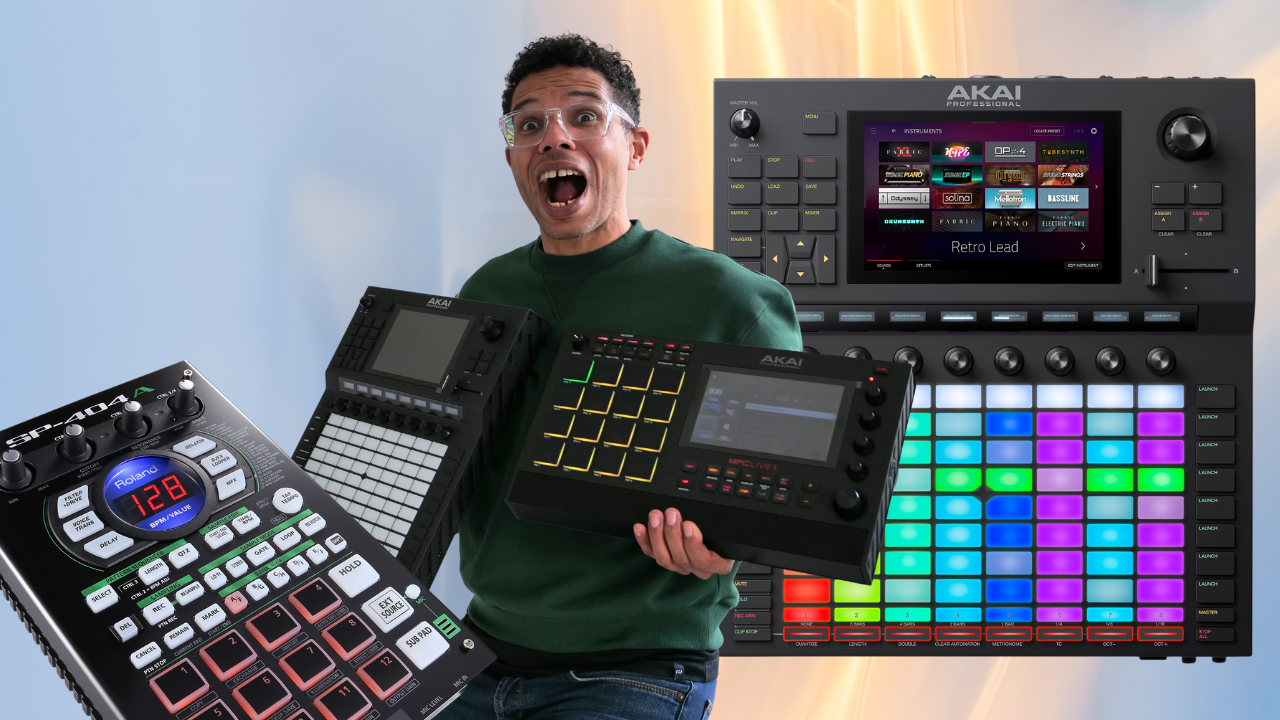
If you use an Akai Force or an MPC in standalone mode, you know how much effects can transform a live performance. In this video, I show you how to recreate a cult effect: the SP-404’s DJ FX Looper, made famous by Roland and loved by beatmakers and live performers.
Why this effect?
The DJ FX Looper is a signature effect of the SP 404 that lets you chop, repeat, slow down and bend the sound in real time. It’s often used at the end of a phrase, in a transition or as a break effect during a live set. Recreating this effect on the Force or an MPC lets you keep that expressiveness while staying 100% standalone, with no computer.
How is it done in the video?
In this step-by-step tutorial, I explain how to:
- Route your main track (drums, sample, etc.) to a submix
- Load two effects: Pitch Shifter and Touch FX (in Beat Repeat mode)
- Map the essential parameters to the Q-Links: Shift, Touch Enable and Delay Time
- Use these knobs live to play the effect like an instrument
This gives you full control over pitch, triggering and the repeat rhythm, for glitchy or slow-down effects that work really well live.
Submix or Return: why does it matter?
The effect sits on a Submix track, which applies the processing in series, completely replacing the audio output. That’s very different from a Return, which applies effects in parallel. If you want to dig into the difference, I answered this question in this thread on the French The Lab forum (in French).
Save time with a template
You can also save a template project with the effects and the Q-Link mapping already in place. Just open it and do “Save As” to use it as a starting point for every new creation.
Watch the video here
(add it to your favorites or to a playlist if you want to come back to it easily)
What about you?
Have you tried this effect on your machine? Do you want us to recreate other SP 404 effects, or explore other live setups on Force or MPC? Come and talk about it in the French The Lab community (French-speaking).
Leave a Reply